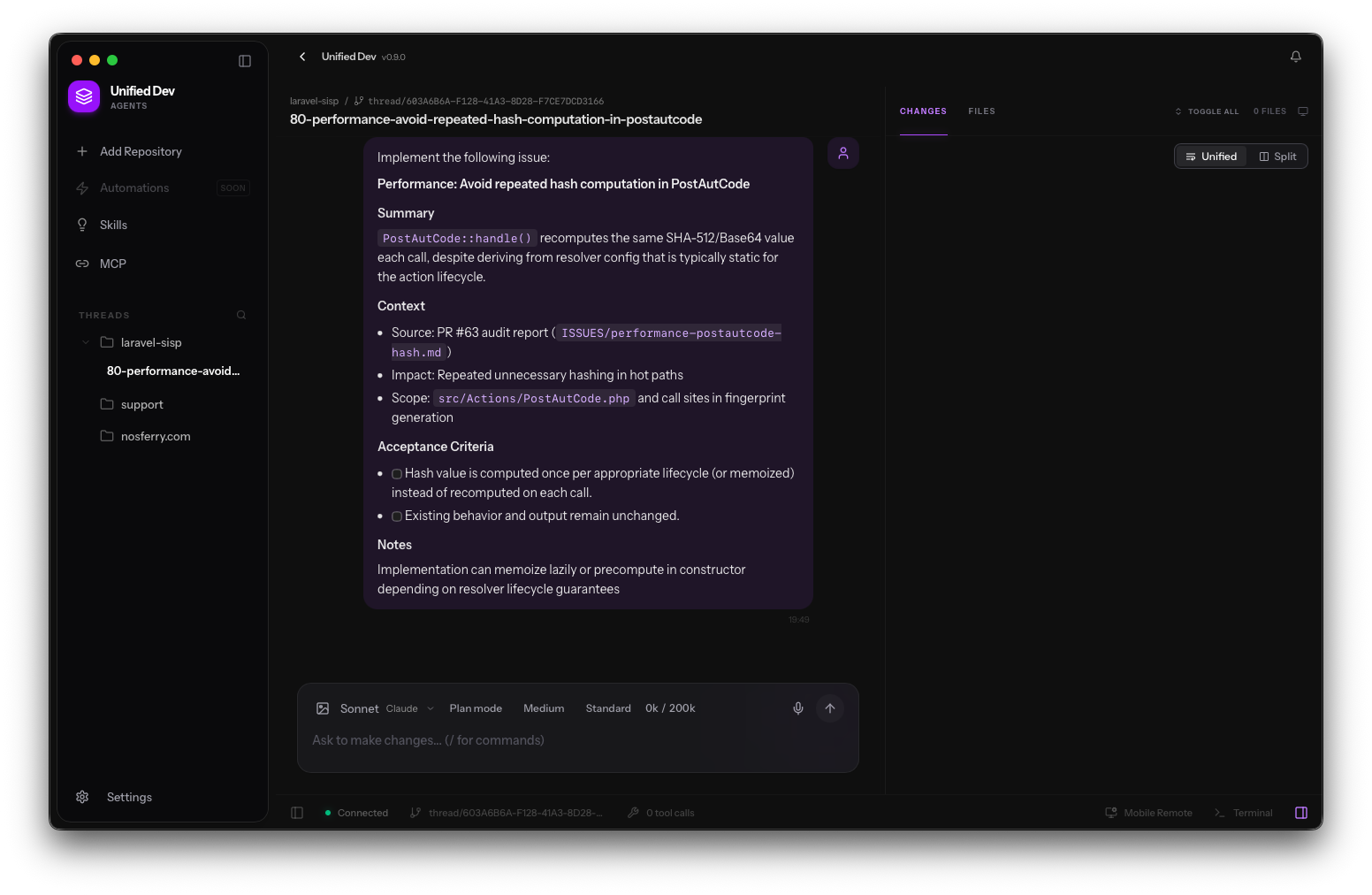
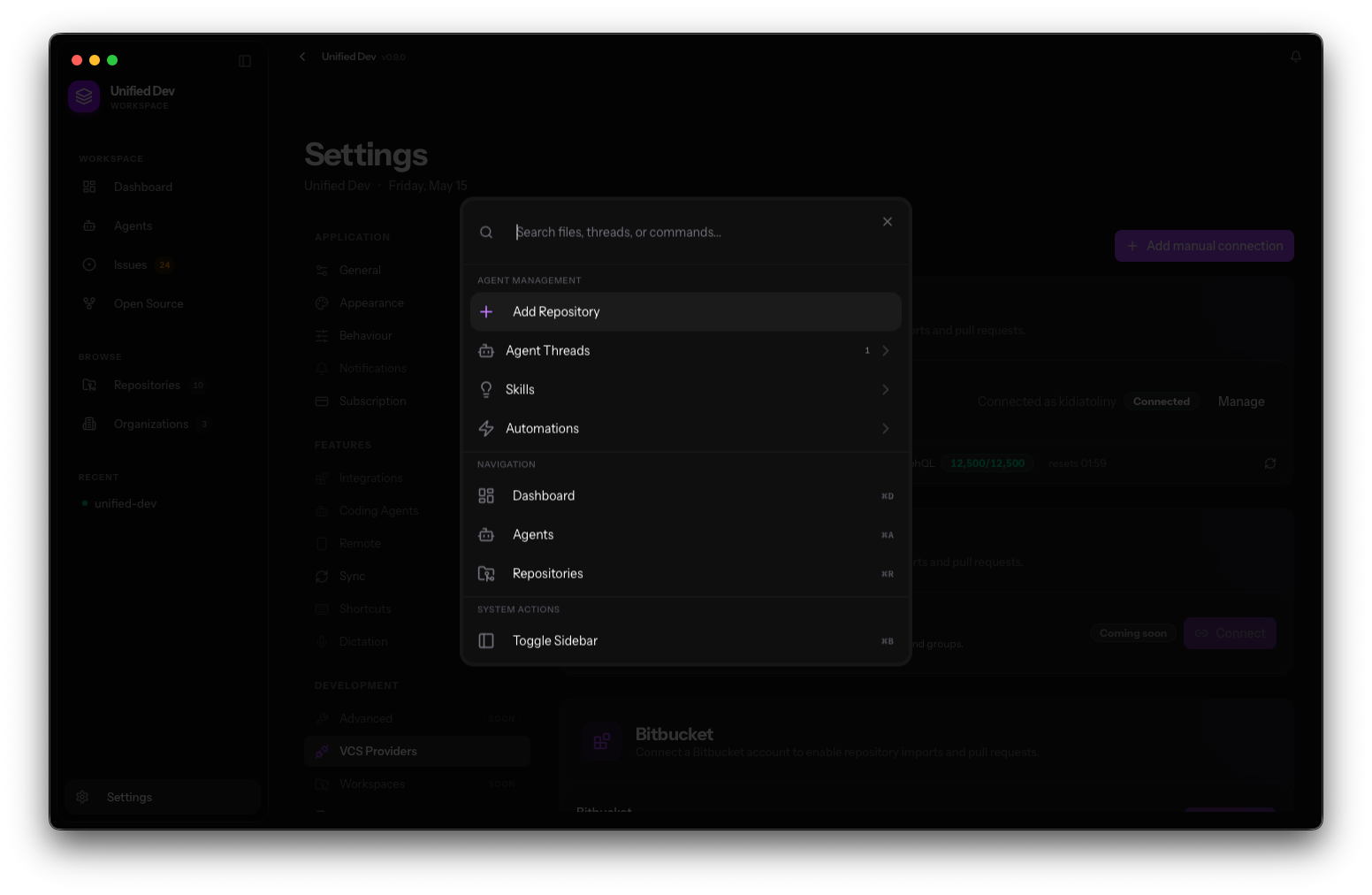
Stop context-switching.
Build Better.

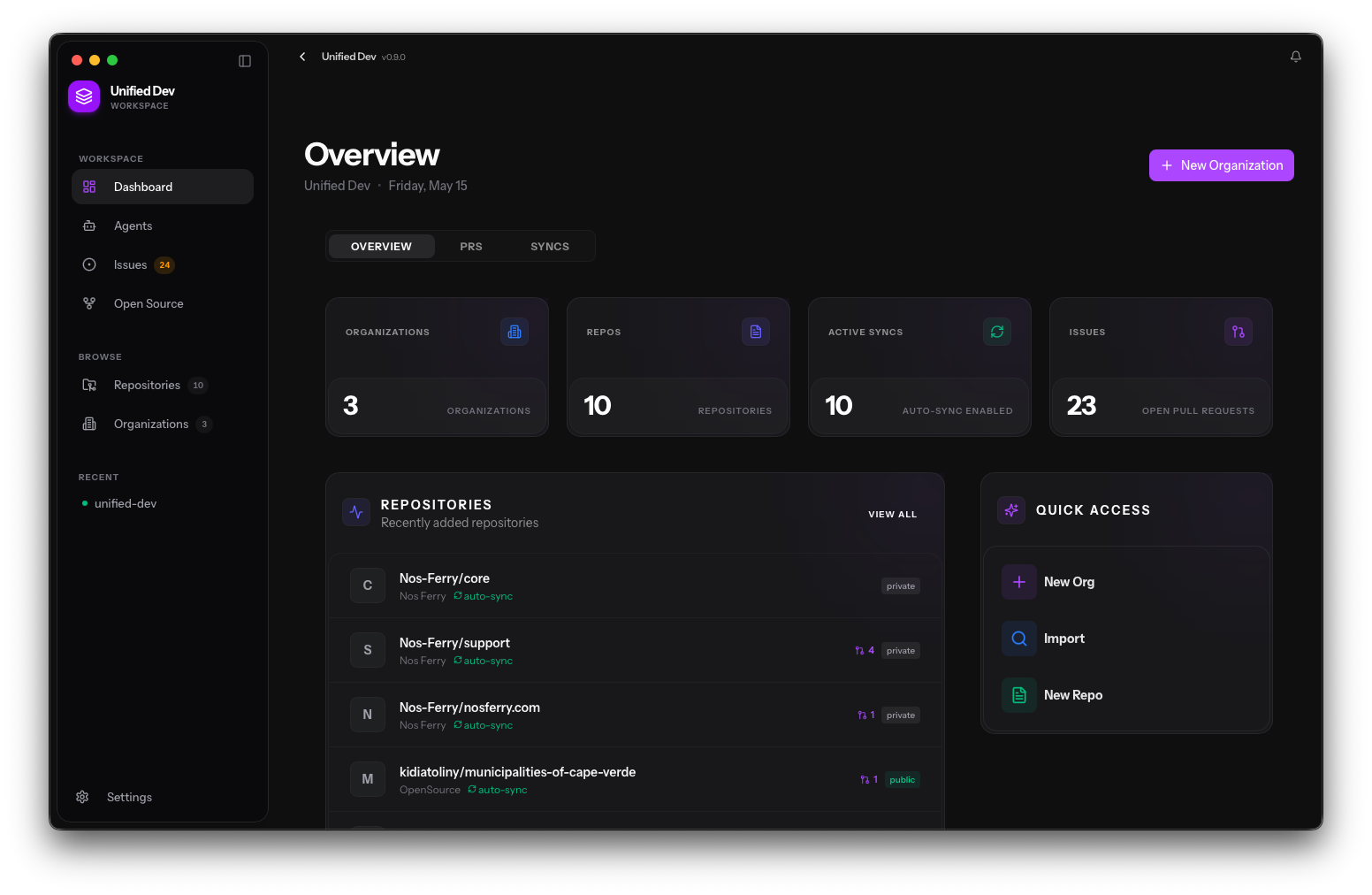
Issues, PRs, repositories and AI agents — one window, zero tabs. The native macOS app built for modern developers.

macOS 13 Ventura or later  ·  v0.4.3

Everything You Need

Powerful features built for individual developers and engineering teams

AI Agents

Delegate issues to any AI agent. Stream progress, review diffs, and auto-create PRs — all in one window.

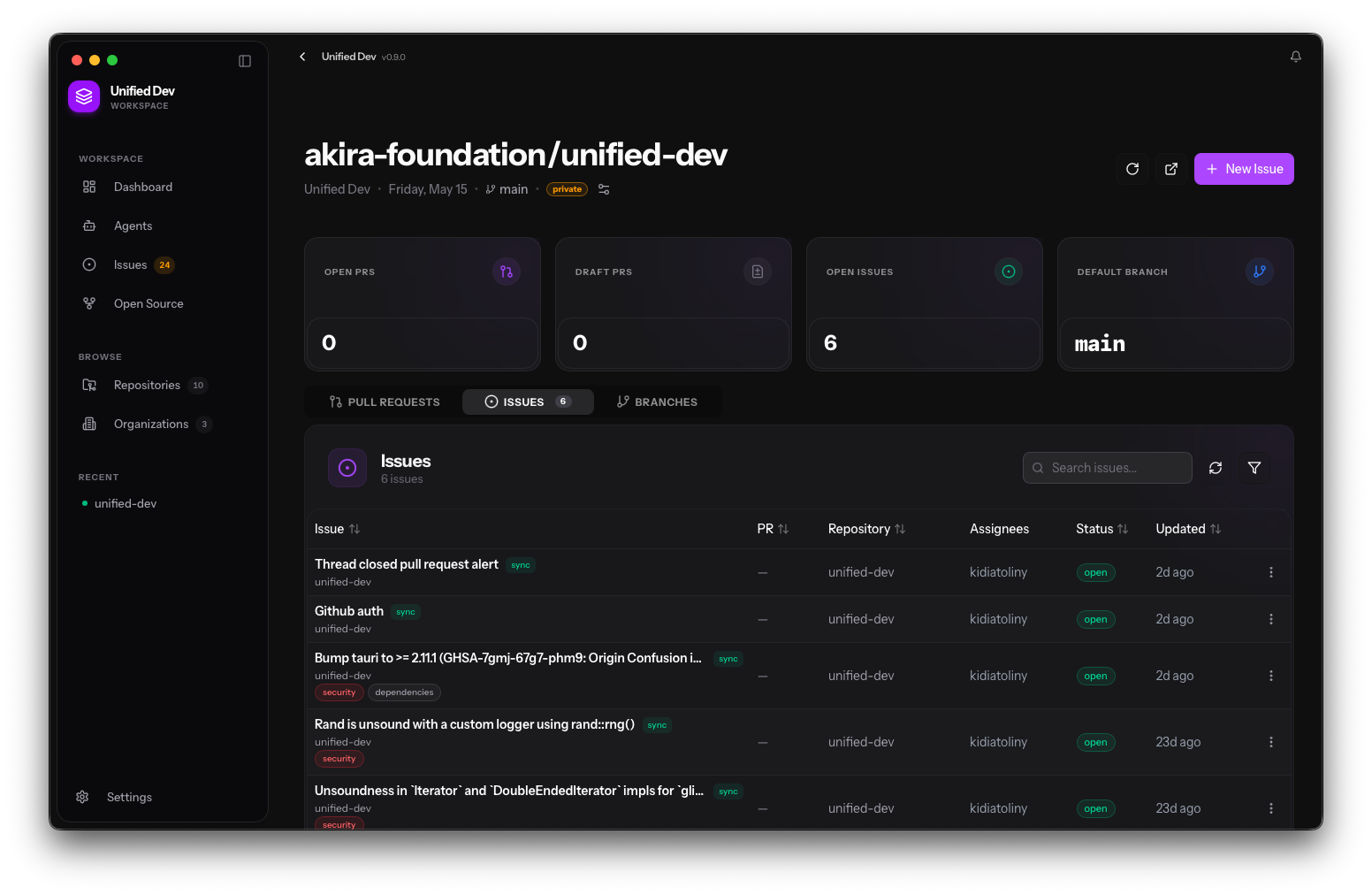
Issue Tracking

Kanban boards across all your repositories. Create, edit, and prioritize issues with a rich editor — slash commands, task lists, and markdown.

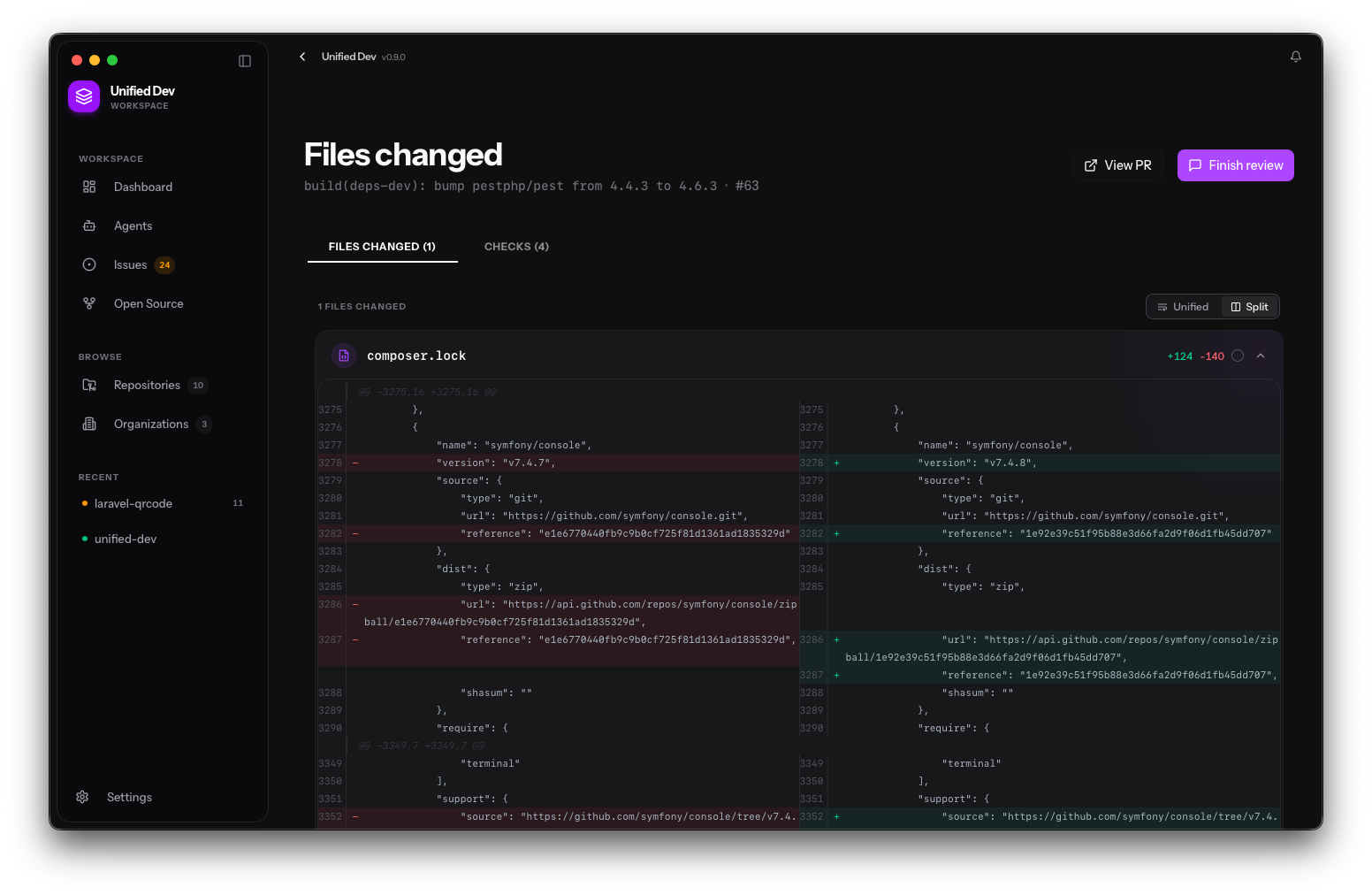
Pull Request Review

View PR diffs file-by-file, check CI results, and submit inline reviews. No browser tab needed, ever.

Repository Sync

Connect GitHub, GitLab, and Bitbucket organizations. Auto-sync repos, branches, commits, and stats in the background.

Automations

Create event-driven workflow rules. Auto-assign issues, trigger AI agents, send notifications — no manual intervention required.

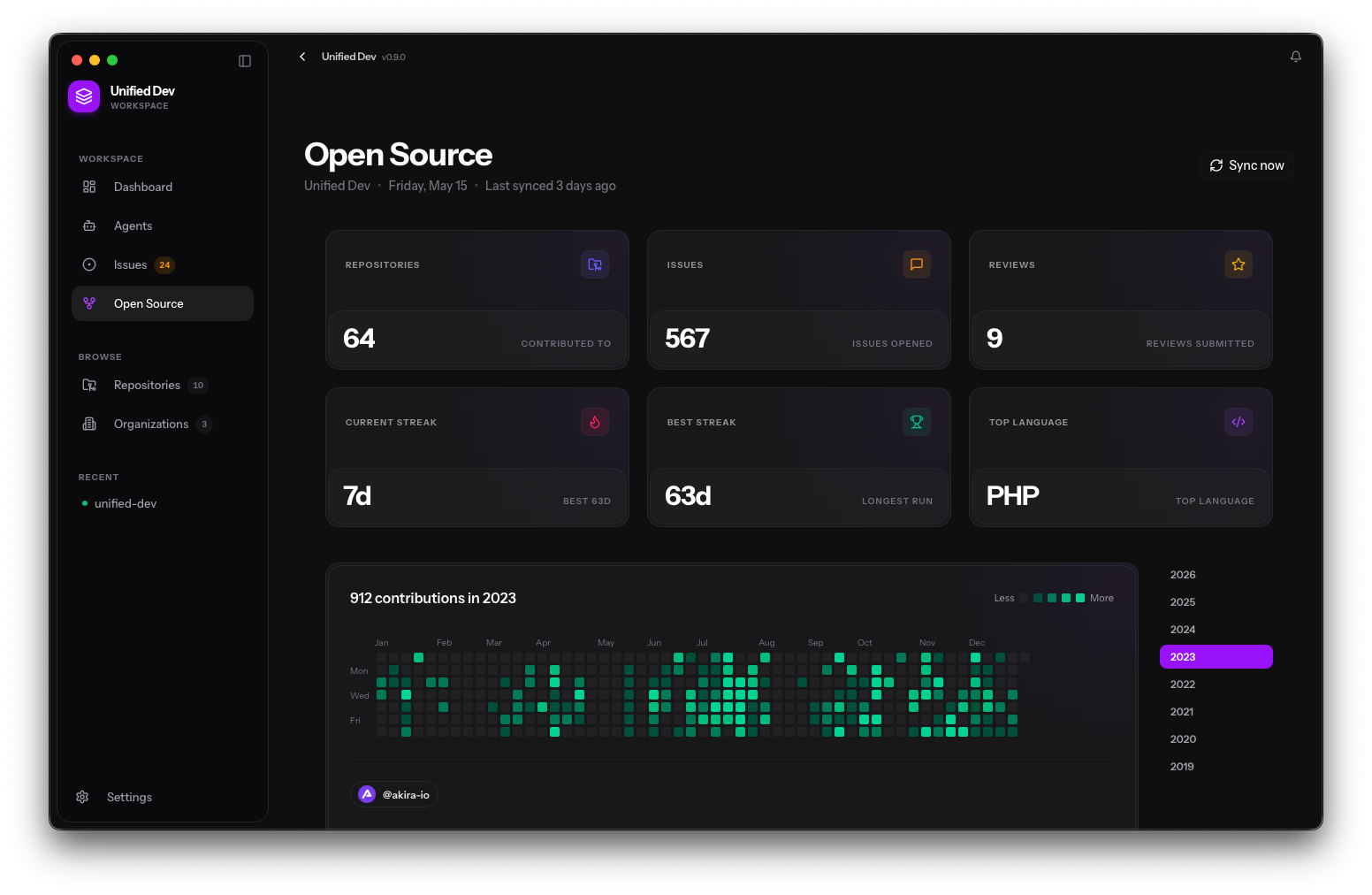
Analytics

Velocity, burndown, cycle time, and deployment metrics. Understand your workflow and identify bottlenecks at a glance.

Issue Tracking

All Your Issues,
One Board

Issues from every connected repository in a single Kanban view. Create, prioritize, and delegate to an AI agent — without touching a browser.

Board acme-corp / api
Filter Sort
Fix N+1 query in /api/teams bug In Progress AI
Add rate limiting to auth endpoints security Backlog
Dark mode toggle in settings ui Todo
Add webhook retry logic backend In Progress
SSO via SAML 2.0 feature Done
Export CSV from analytics page feature Todo
AI Agents

Let AI Ship Features
While You Sleep

Delegate any issue to your AI agent of choice. Stream its progress step-by-step, review the diff, and merge — all without leaving Unified Dev.

Fix N+1 query in /api/teams

claude-code · started 2m ago

Running
Reading issue context
Exploring codebase
Identifying query hotspot
Writing patch
72%
Running test suite
Opening pull request
Pull Request Review

Code Review at the
Speed of Thought

View diffs file-by-file, check CI status, and leave inline comments — the full review workflow without ever opening a browser tab.

src/api/teams/index.ts
12
12 export async function listTeams(orgId: string) {
13 const teams = await Team.query()
14 .where("org_id", orgId)
15 - .get()
16 - return teams
+ .with("members", "projects")
+ .get()
+ return teams.map(serialize)
17 }
Tests
Lint
Build
Deploy preview

Why Developers Choose Unified Dev

Built by developers who were tired of tab-switching

Zero Context-Switching

Issues, PRs, repos and agents in one window. Your brain stays in flow.

Built for macOS

Native performance, keyboard shortcuts, system notifications and menu bar integration.

AI-First Workflow

The first desktop app with built-in AI agent orchestration. Ship features faster.

Secure by Default

Credentials stored in OS keychain. Data stays local.

Loved by Developers

Don't take our word for it

"Unified Dev cut the time I spend context-switching in half. I assign an issue to Claude Code, review the diff, and merge — all without touching a browser."

SC

Sarah Chen

Lead Engineer, Nimbus

"The PR review experience is better than GitHub's web UI. Keyboard shortcuts, instant diff loading, CI status — I never open a browser for code review anymore."

MF

Miguel Fernandes

CTO, DevForge

"Having AI agents I can actually trust and review before they push is a game changer. The transparency in the step-by-step timeline is exactly what I needed."

AO

Aisha Okafor

Senior Developer, Stripe

Simple, Transparent Pricing

Start free, upgrade when you're ready

Save 20%

Free

Perfect to get started

$0 /month
  • 1 GitHub organization
  • Up to 5 repositories
  • Issue Kanban board
  • PR review
  • 10 AI agent runs/month
  • Community support
Download Free

Enterprise

For teams and organizations

Custom
  • Everything in Pro
  • Team seat management
  • SSO / SAML
  • Advanced security
  • Dedicated support
  • Custom integrations
  • On-premise option
Contact Sales

Frequently Asked Questions

Everything you need to know

Is Unified Dev free to use?
Yes. The Free tier is fully functional with 1 organization, 5 repositories, and 10 AI agent runs per month. No credit card required to download.
Which operating systems are supported?
Unified Dev is a native macOS application (macOS 13 Ventura and later). Windows and Linux versions are on our roadmap.
Which VCS providers are supported?
GitHub is fully supported today. GitLab and Bitbucket integrations are in active development and coming soon.
Which AI agents can I use?
Unified Dev integrates with Claude Code (Anthropic), OpenAI Codex, and GitHub Copilot CLI. You can pick the best agent per task and even run multiple agents in parallel.
Is my data secure?
Credentials are stored in the OS keychain using AES-GCM encryption. Your code and data never leave your machine unless you explicitly send it to an AI provider.
Can I use it on multiple machines?
Yes. Your Pro or Enterprise license can be activated on up to 2 machines simultaneously. You can deactivate a machine at any time from Settings.
What is the refund policy?
We offer a full refund within 7 days of purchase, no questions asked. Contact support@akira-io.com.
How do I get support?
Free users have access to our community Discord. Pro users get priority email support with a 24-hour response SLA. Enterprise customers get a dedicated Slack channel.

Ready to Transform Your Workflow?

Join thousands of developers already shipping better code faster. Download free, upgrade anytime.

No credit card required • Free 14-day Pro trial • Cancel anytime